

Microsoft Advertising Account Creation Guide
Creating a Microsoft Advertising account is an essential first step in launching your digital marketing campaigns on platforms like Bing, MSN, and Yahoo.
At Mrkt360, we understand the importance of a smooth setup process, which ensures your ads reach the right audience efficiently. By following a structured, step-by-step approach, you can avoid common pitfalls and set up your account with ease. Below, we’ll walk you through each stage of the process to help you get your advertising efforts up and running in no time.
Step 1
Visit the Microsoft Advertising Website
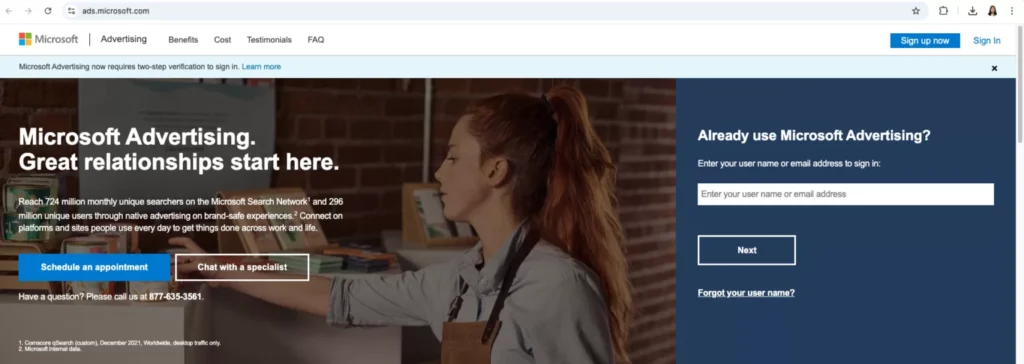
Go to the Microsoft Advertising website and click the “Sign Up Now” button.
Step 2
Sign In or Create a Microsoft Account
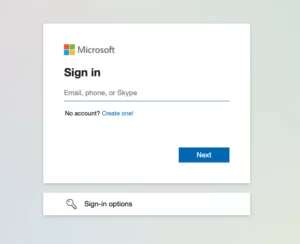
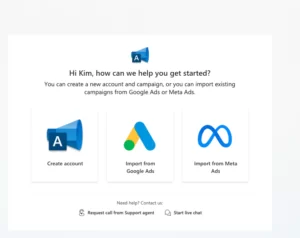
If you already have a Microsoft account, sign in using your credentials. If you don’t have a Microsoft account, click “Create One” and follow the steps to create a new account.
Step 3
Enter Your Business Information
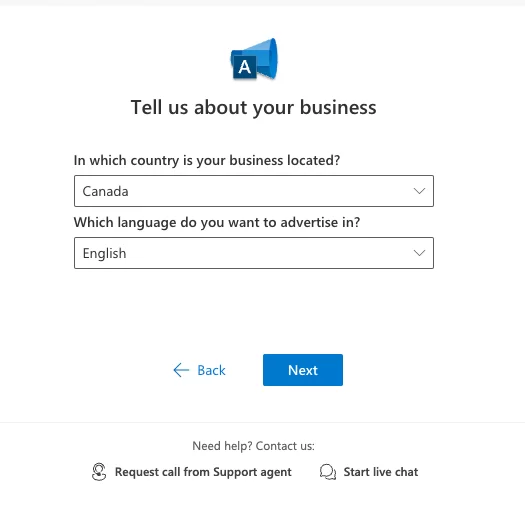
Provide the following details accurately:
- Business Name (must match your billing and website information)
- Country/Region where your business is registered
- Time Zone of your business operations
- Currency for billing
Step 4
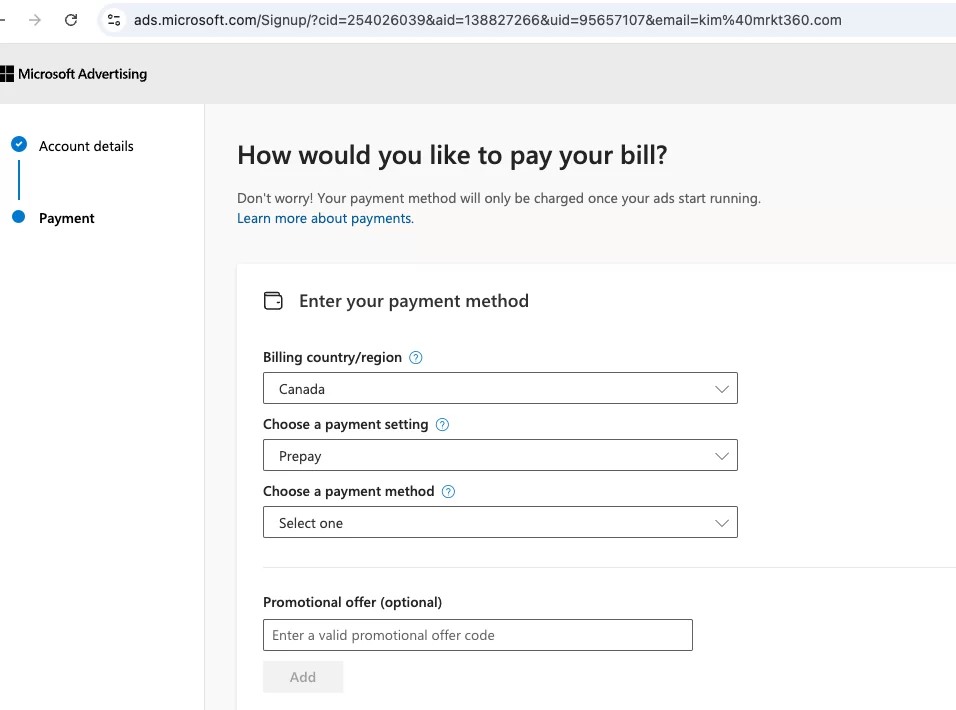
Set Up Billing Information
Add your billing information, including:
- Business Address (should match the registration address on file)
- Payment method (credit card, debit card, or invoice billing if eligible)
Step 5
Verify Your Contact Information
Use a consistent email address that you can access for verification purposes.
Microsoft may require additional verification, including personal identification documents if the email address provided isn’t from your business domain.

Step 6
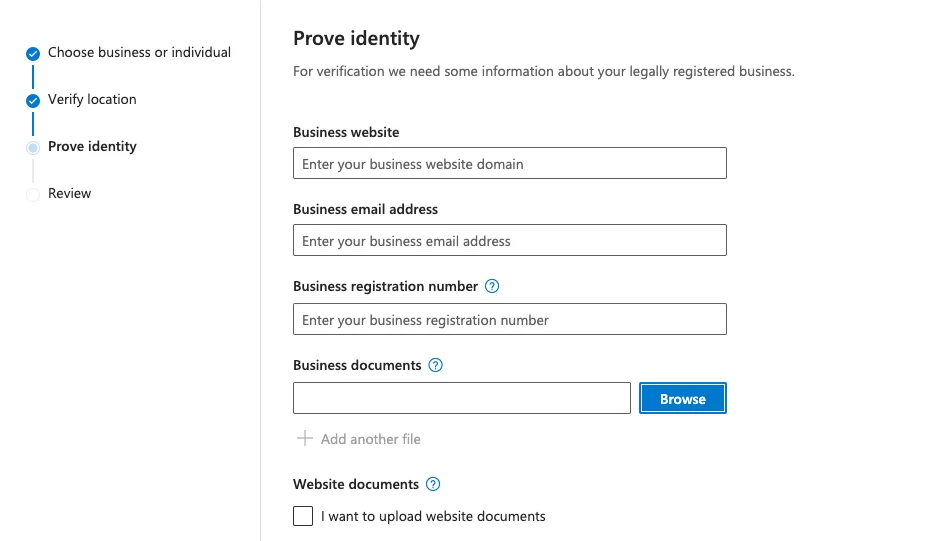
Provide Proof of Business and Domain Ownership (If Requested)
Prepare to upload documents that prove ownership of your business and web domains, such as:
- Business license
- Certificate of incorporation or registration
- DUNS certificate or commercial register extract
- Tax certificate or domain purchase receipt
Step 7
Complete Advertiser Identity Verification (For EU Advertisers)
If you plan to advertise within the EU, complete the Advertiser Identity Verification (AIV) Program as required by Microsoft.
By following these steps, you can successfully create and manage a Microsoft Advertising account for your business.
Strategy That Works
Why Businesses Trust Us

Partnership Mentality
We align media strategy with your business model, sales cycle, budget realities, and growth goals.

Accountability First
You get clear reporting, clear priorities, and practical recommendations based on what the data shows.

Transparent Communication
You always know what we are doing, why we are doing it, and how it connects to performance.
GET STARTED
Schedule a Free Consultation
Ready to turn DV360 into a clearer, smarter, and more accountable media channel? Book a consultation with MRKT360 and let’s map the right strategy for your brand.